
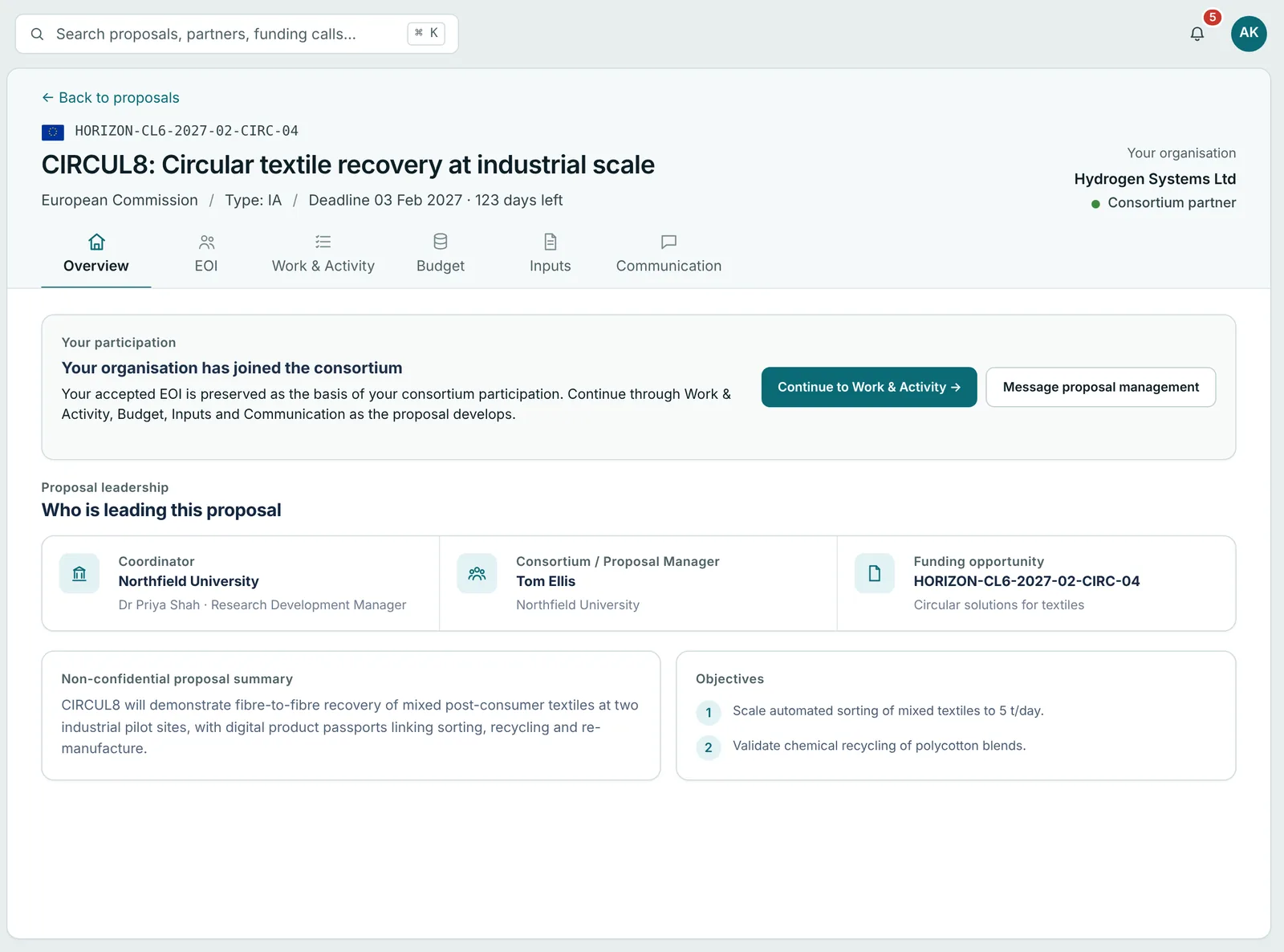
Partner workspace
Only their own tasks, in the order they are needed.
Partners see the proposal, their EOI, their share of the work and budget, and what is still asked of them.
Consortium operating platform
Build the consortium, agree work and budget, and collect every partner’s input in one shared workspace. Partners see only what is asked of them.
Works with Horizon Europe, Innovate UK and other collaborative calls.

Why Cortyne
A collaborative bid usually lives in inboxes, shared drives and spreadsheets that drift apart. The coordinator spends the final weeks chasing partners instead of writing.
Who Cortyne is for
Cortyne adapts to the organisation running the process and the organisations contributing to it.
Resources
Browse verified funding opportunities and funding news before you create an account. Every published call keeps its deadlines, requirements and official sources connected.
How it works
What partners commit to early flows straight into the work plan and the budget, so nothing is typed twice.
01 / 06
Capabilities, countries and organisation types.
02 / 06
Name the organisation and the capabilities you need. Partners respond from a secure link, no account needed.
03 / 06
See the gaps and check the call’s rules as partners join.
04 / 06
Add a work package, then assign partners with a role and person-months.
05 / 06
Allocate a budget to each partner and track their confirmation or change requests.
06 / 06
Create a question, send it to chosen partners and review what comes back.
Inputs, answers and follow-ups
Contributions, questions and messages stay attached to the exact proposal work they relate to.
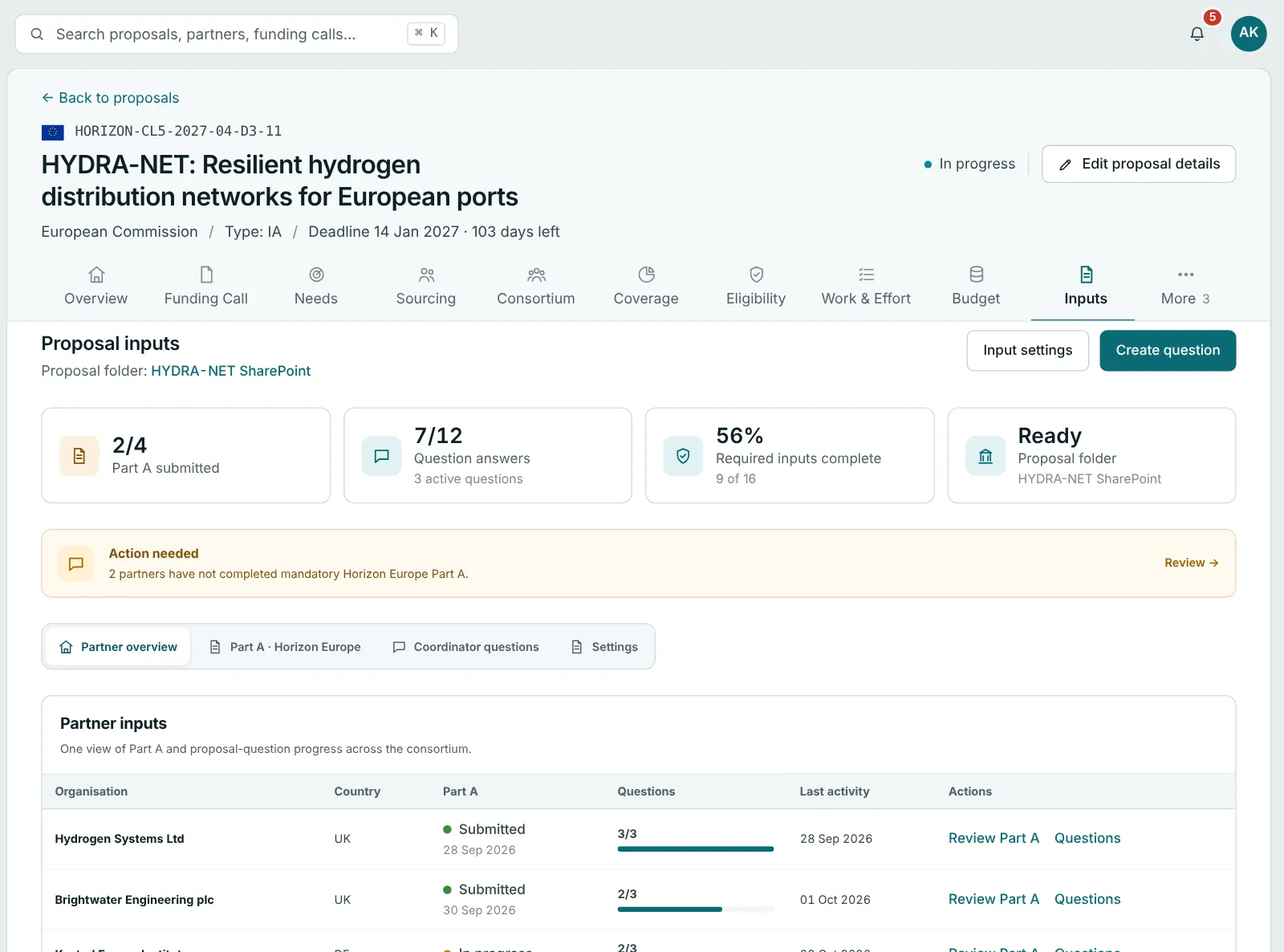
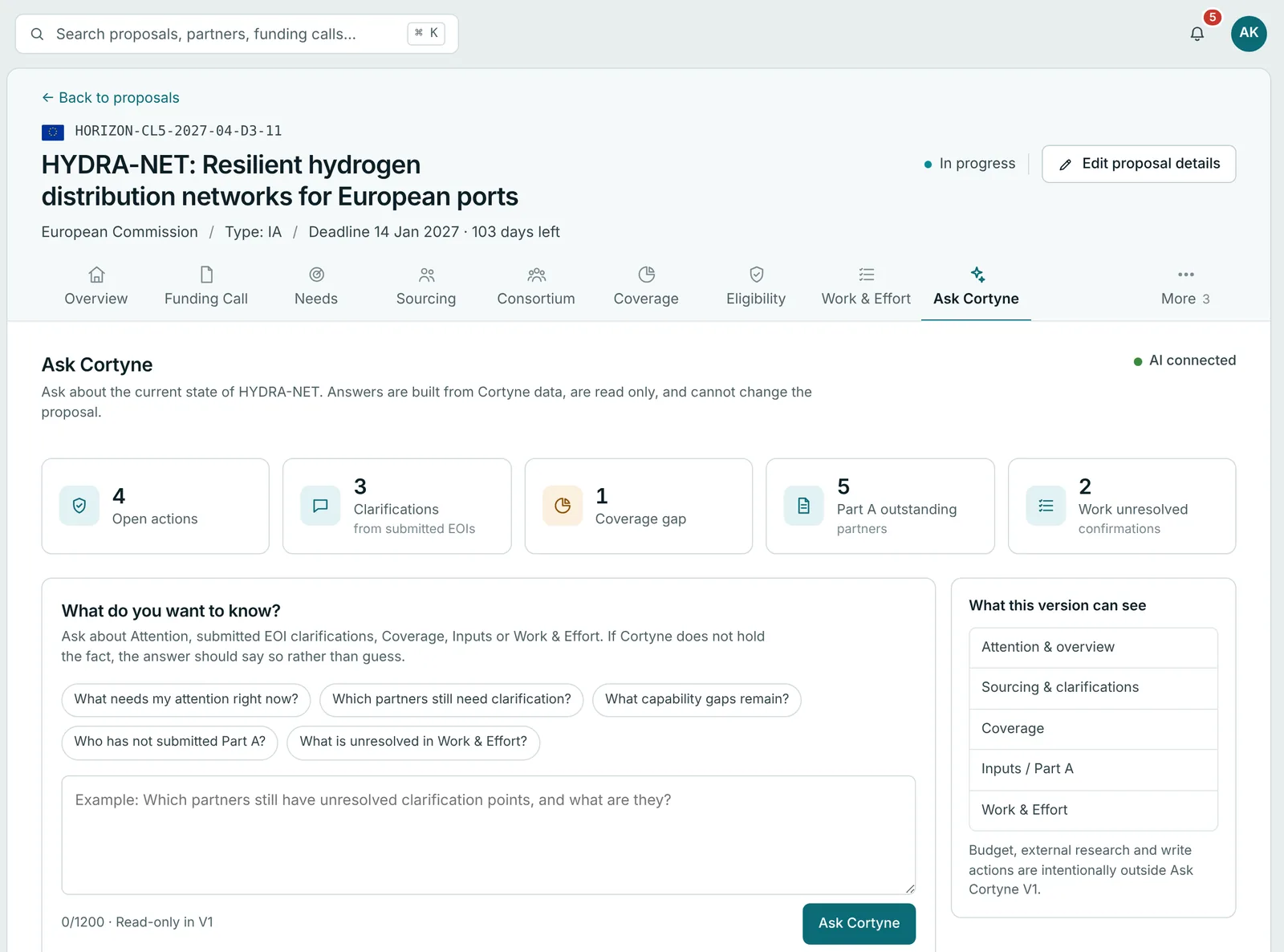
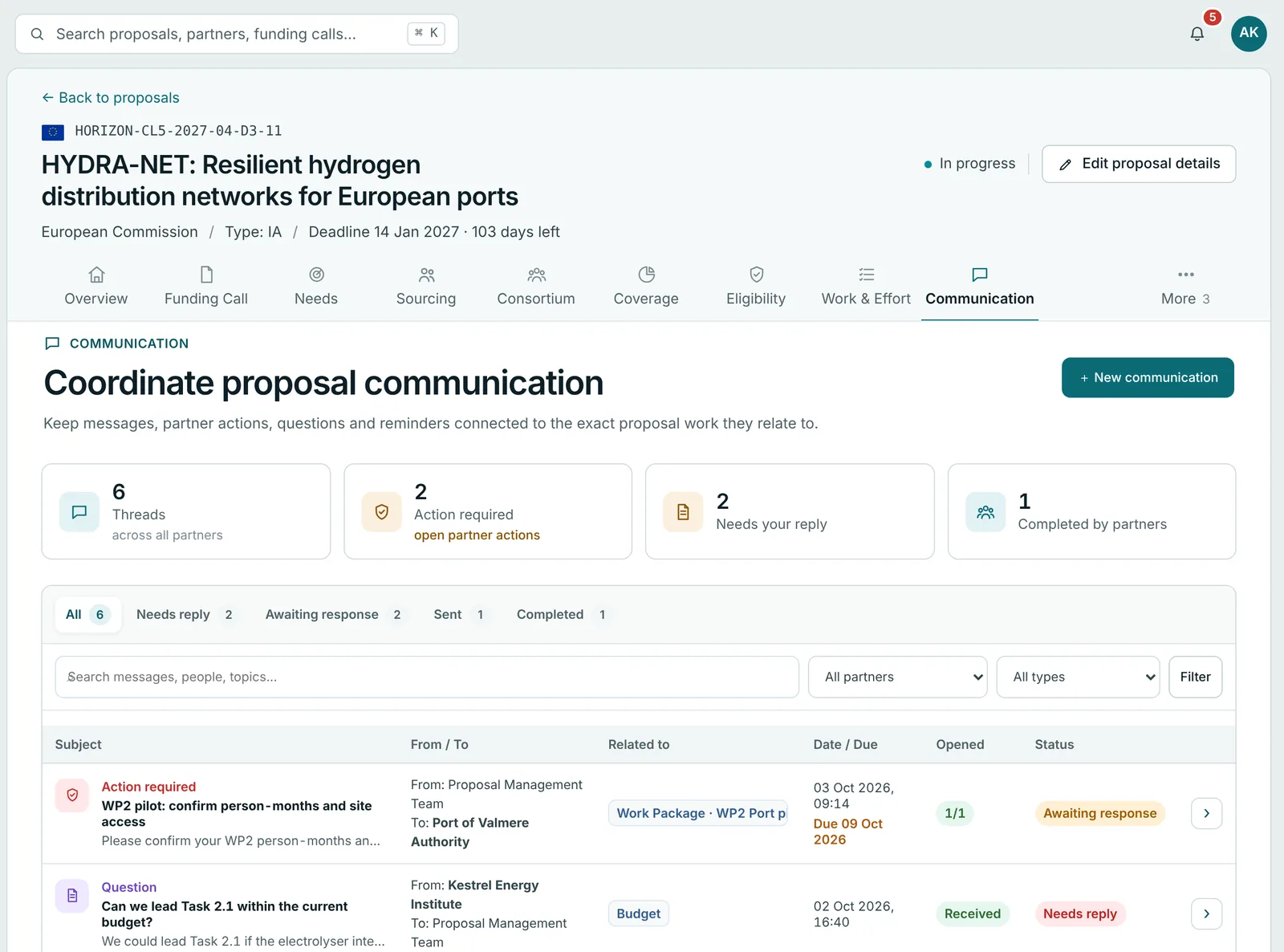
Track Part A progress, partner contributions and proposal-specific questions.
Get answers built from your proposal’s own records. See what needs attention and what is missing.
Keep messages, actions and reminders connected to the exact proposal work.
Cortyne AI
Cortyne AI reads what partners send and keeps track of what is still missing. It drafts. You decide what goes out.
Two sides of the same proposal
Partner workspace
Partners see the proposal, their EOI, their share of the work and budget, and what is still asked of them.
Coordinator
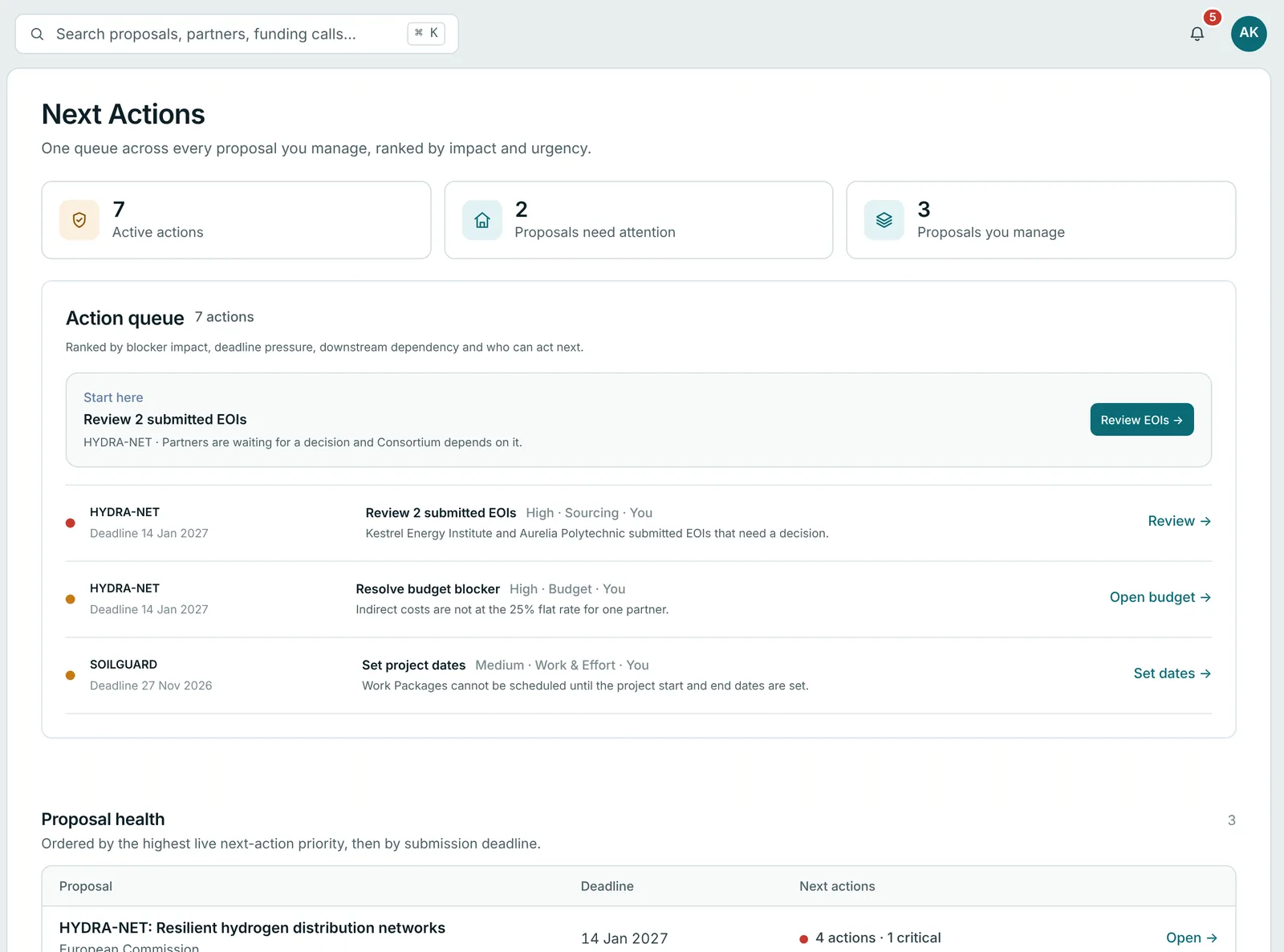
Next Actions ranks open items across every proposal you manage, with the next step beside each one.
Questions
Cortyne is a consortium operating platform for collaborative funding proposals. Coordinators invite partners, agree the work plan and budget, and collect every partner’s input in one shared workspace, while partners see only what is asked of them.
No. Invited partners read a one-page brief and reply to their EOI through a secure link. They can create an account later to reuse their organisation profile.
Request access with your work email. The Cortyne Team checks each new organisation before its first proposal. Colleagues you invite to your organisation, and partners you invite to an EOI, don’t need to wait.
Any collaborative call. Funder-specific steps, such as Horizon Europe Part A, only appear when the call needs them.
Only the people you add. Partners see their own tasks and what you choose to share with them. Being in the same organisation does not give anyone access to a proposal.
Yes. Import work packages and activities from an Excel template, then adjust them in Cortyne.
Cortyne AI runs in Cortyne’s own Microsoft Azure environment. Your proposal data is not used to train AI models, and nothing is sent to a partner without your approval.
Request access with your work email. Invited by a partner? Use the link in your invitation instead.